Shopify Plus vs Shopify Advanced: Which Plan Should Scaling Brands Choose in 2026?
Scaling brands should choose Shopify Advanced if they need a powerful standard plan with a lower monthly cost, strong reporting, international selling tools, and up to 15 staff accounts. They should choose Shopify Plus if they need enterprise-grade checkout customization, B2B, higher API limits, automation at scale, expansion stores, headless storefronts, priority support, and lower transaction fees as volume grows. The deciding factor is operational complexity rather than revenue alone.


Updated on June 18, 2026
Moving to Shopify Plus won't automatically fix a broken supply chain, convert cold traffic, or solve poor product-market fit. Run the math.
This choice is a financial and technical calculation. Pick the wrong tier and you either drain operating margin or throttle your systems at peak traffic.
Shopify Plus vs Shopify Advanced: what is the main difference?
Advanced Shopify keeps your operational overhead low if you are a single-storefront DTC brand.
Shopify Plus acts as a baseline infrastructure upgrade once you introduce wholesale, global multi-stores, or ERP integrations.
Choose Shopify Advanced if you need a powerful, standard Shopify plan with a lower monthly cost, solid custom reporting, standard international selling tools, and up to 15 staff accounts. It fits growing single-store direct-to-consumer (DTC) brands that do not require deep checkout alterations or custom enterprise integrations.
Choose Shopify Plus if you need enterprise-level checkout customization, native B2B, higher API limits, multi-store automation, expansion stores, headless storefronts, priority support, and lower transaction fees. It fits brands scaling past mid-market limits.
| Situation | Better choice | Why |
|---|---|---|
| You need strong ecommerce features without enterprise overhead | Shopify Advanced | Lower subscription cost, 15 staff accounts, advanced reporting, international selling tools, and standard Shopify scalability |
| You sell B2B with customer-specific pricing, many catalogs, deposits, or partial payments | Shopify Plus | Plus unlocks unlimited B2B catalogs, direct company catalogs, and advanced B2B payment controls |
| You need deeper checkout customization | Shopify Plus | Plus gives access to more advanced checkout customization through Checkout Extensibility and Shopify Functions |
| You run multiple localized stores under one brand | Shopify Plus | Expansion stores are included in the Plus platform fee |
| You want a custom frontend with Hydrogen, Next.js, or a headless Shopify setup | Usually Shopify Plus | Advanced can support headless, but Plus usually fits better when the frontend depends on higher API limits, complex integrations, or multi-market architecture |
| You mostly need reporting, shipping rates, and lower card fees | Shopify Advanced | Plus would likely add cost before it adds value |
In short: Shopify Advanced is enough when your store needs stronger native Shopify features. Shopify Plus is worth it when your operating model needs more control.

Not sure which Shopify plan fits your growth?
Naturaily helps ecommerce teams assess whether Shopify Advanced is still enough or whether Shopify Plus, headless architecture, or custom integrations are already the cleaner path.
How much does Shopify Advanced cost vs Shopify Plus in 2026?
Advanced runs $399 a month. Plus opens at $2,300, a jump of roughly $1,900.
Subscription is the cheapest line on the invoice. Apps, custom development, and integrations are where the money goes.
Card-rate savings alone rarely cover the Plus premium; you recoup it through the features long before the fee savings catch up.
Both plans bill monthly or annually, and annual terms run roughly 25% cheaper. Here is how the two compare on the numbers that move the decision.
| Plan metric | Shopify Basic | Shopify Grow | Shopify Advanced | Shopify Plus |
|---|---|---|---|---|
| Monthly subscription price | $39 / month | $105 / month | $399 / month | $2,500 / month (1-year term) | $2,300 / month (3-year term) |
| Billed annually (equivalent / month) | $29 / month | $79 / month | $299 / month | Custom negotiable at multi-year renewal |
| Online credit card rate (US domestic) | 2.9% + $0.30 per transaction | 2.7% + $0.30 per transaction | 2.5% + $0.30 per transaction | ~2.15% + $0.30 per transaction (negotiable) |
| In-person credit card rate (POS) | 2.6% + $0.10 per transaction | 2.5% + $0.10 per transaction | 2.4% + $0.10 per transaction | Negotiable individually per contract |
| Third-party payment gateway surcharge | 2.0% per transaction | 1.0% per transaction | 0.6% per transaction | 0.15% to 0.20% per transaction |
| Staff backend accounts | 5 accounts | 10 accounts | 15 accounts | Unlimited |
| Active inventory locations | Up to 10 locations | Up to 10 locations | Up to 10 locations | Up to 200 locations |
Figures reflect US list pricing on Shopify's pricing and Plus pricing pages. Rates vary by region and term.
What does Shopify Advanced really cost after apps and maintenance?
Advanced keeps the base cheap. The add-ons still add up, on a smaller scale.
Apps: $30 to $150 per month is common, since more of your logic lives in apps than it would on Plus.
Development and theme work: lighter touch, usually theme adjustments and the occasional custom feature.
Integrations: the same ERP, PIM, CRM, and tax connections, though many Advanced stores run fewer of them.
Maintenance: theme updates, app compatibility reviews, and performance work, without Plus-level checkout complexity.
Stack the $399 base on top of apps and routine upkeep, and a growing Advanced store typically plans for somewhere around $700 to $2,500+ per month all-in. A planning range, not a quote.
What does Shopify Plus really cost after apps, development, and integrations?
The subscription is the smallest line for most serious stores. Plan for the rest.
Apps: $50 to $200+ per month on a growing store, more at scale.
Development and theme work: one-off builds and ongoing changes.
Integrations: ERP, PIM, CRM, and tax connections that compound with complexity.
Maintenance: platform updates, integration monitoring, app compatibility reviews, performance optimization, and checkout changes introduced by Shopify's evolving platform roadmap.
In the Shopify Plus builds we run, all-in spend usually lands $4,000 to $10,000+ per month for mid-market brands once these layers stack up. Useful as a planning range, not a quote.
For a line-by-line look at build and run costs, see our breakdown of what a Shopify website actually costs.
Shopify Advanced vs Shopify Plus feature comparison
Shopify has opened up many capabilities that used to be Plus-only. This updated comparison table reflects verified, current 2026 technical realities.
| Feature | Shopify Advanced | Shopify Plus |
|---|---|---|
| Monthly price | $399 ($299 annual billing) | From $2,300 (3-year term) / $2,500 (1-year term) |
| Staff accounts | Up to 15 accounts | Unlimited accounts |
| B2B catalogs | Max 3 active catalogs assigned via Shopify Markets | Unlimited B2B catalogs (direct assignment to locations) |
| Checkout customization | Standard checkout; limited post-purchase extensions | Full Checkout Extensibility (UI extensions, Branding API) |
| Shopify Functions | Standard limits; executed via pre-built public apps | High limits, supports custom private app deployments |
| Shopify Flow | Available with standard features | Unlimited workflows, custom app triggers/actions |
| API limits | Standard GraphQL (200 pts/sec) / REST (4 requests/sec) | 10x higher GraphQL (1,000 pts/sec) / REST (20 requests/sec) |
| Headless storefronts | Supported; Oxygen limited to 1 public environment | Supported; Oxygen permits up to 25 public environments |
| Markets / internationalization | Shopify Markets (standard - up to 3 markets included) | Markets plus up to 9 free expansion stores under one brand |
| POS locations | Up to 10 inventory locations; POS Pro adds $89/mo per location | Up to 200 inventory locations; first 20 POS Pro locations free |
| Expansion stores | Not included | 9 expansion stores included; extra stores cost $300/mo |
| Support level | Enhanced 24/7 chat support | Priority support, Merchant Success, launch engineering |
| Best for | Growing DTC brands, moderate complexity | Enterprise, B2B wholesale, multi-store, headless storefront |
When is Shopify Advanced enough for a scaling store?
Advanced is the sweet spot for single-store DTC operations generating up to $5M annually.
It provides access to custom reporting, automated duties calculation, and localized currencies.
Plenty of seven- and even eight-figure brands run on Advanced without strain. It carries lower real-time card rates than the entry plans, deeper reporting, and the international selling tools most growing stores actually use.
If your complexity lives in marketing and merchandising rather than in checkout logic or wholesale operations, Advanced rarely holds you back. Paying for Plus features you never switch on burns margin.
Shopify Advanced is enough if your store has these traits:
Your catalog and pricing are the same for every customer.
You sell direct to consumers only, with no wholesale or net-terms accounts.
Your checkout needs are met by standard fields plus a checkout UI extension or two.
You run a single storefront, or one store with Markets handling regions.
Your automation needs are light enough for standard Flow and Functions limits.
When Shopify Advanced starts limiting growth
Advanced Shopify fails when your operational complexity outgrows standard parameters. If your warehouse relies on real-time ERP data synchronization, you will hit API limits. Standard API queues will throttle your catalog updates and syncs, returning HTTP 429 errors during major traffic spikes. You also cannot customize the layout or fields of your checkout page.
When is Shopify Plus worth the upgrade?
Complexity, not revenue, triggers the upgrade:: B2B, multi-store, custom checkout, heavy automation, or headless at scale.
Plus gives you control, API headroom, and a support and launch team.
The clearest signal: a single capability you cannot get on Advanced is now blocking revenue.
Shopify Plus is built for complex, high-volume ecosystems. Upgrading becomes necessary when manual workarounds cost more than the platform fee differential.
If ERP, PIM, or inventory syncs run near Shopify’s standard API limits, Plus can reduce throttling risk by increasing Admin API headroom.
If your operations span multiple physical locations, Shopify Plus bundles 20 free POS Pro licenses, saving you $21,360 annually in software fees.
Upgrade to Shopify Plus when these constraints appear
You need native B2B: company accounts, custom catalogs, price lists, or net terms.
Peak events push concurrent traffic past what standard limits comfortably absorb.
You run, or plan to run, multiple regional or brand storefronts.
Checkout logic, fees, or messaging must change in ways apps cannot reach.
Automation across pricing, fulfillment, and merchandising is eating engineering hours.
A headless build needs the API headroom and checkout depth Advanced caps.
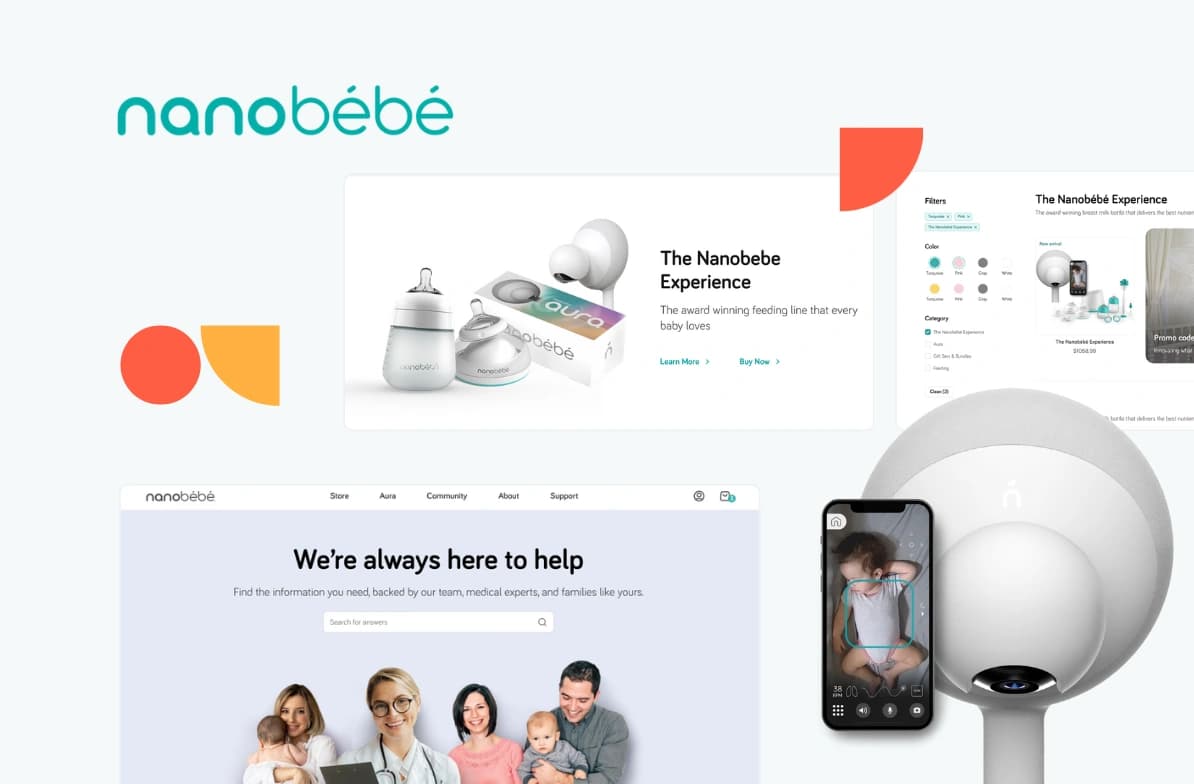
Nanobébé
Baby products e-commerce
Naturaily delivered a flexible headless commerce setup that made content management easier, supported product launches, and improved the online shopping experience.
5/5
Clutch review
117%
increased performance
80%
reduced TBT
Shopify Plus vs Shopify Advanced for B2B ecommerce
Shopify B2B is no longer exclusive to Shopify Plus.
Shopify Advanced can support simpler B2B workflows, while Shopify Plus is required for unlimited catalogs, direct company catalog assignment, deposits, partial payments, and more advanced wholesale payment flows.
The global B2B ecommerce market reached an estimated $24.1 trillion in 2025 and is projected to climb toward $28 trillion in 2026 (Grand View Research, 2026), and Shopify has moved to capture more of it. Shopify extended native B2B functionality to all tiers, removing the enterprise paywall for standard company accounts, net terms, and basic B2B catalogs.
But standard plans enforce hard ceilings. On Shopify Advanced, you can only assign up to 3 active B2B catalogs across your Shopify Markets. Because these catalogs are mapped to the market layer, you cannot assign a unique price sheet directly to an individual business customer or location.
Shopify Plus is built to handle complex wholesale architectures. Plus grants unlimited B2B catalogs and allows direct, location-level pricing assignment. Furthermore, advanced payment workflows (such as collecting deposits at checkout, recording partial payments, or generating deferred payment invoices per individual shipment) are locked to the Plus tier.
Shopify checkout customization in 2026: what changed?
checkout.liquidand Shopify Scripts are no longer the right foundation for new checkout customization.Shopify’s modern checkout stack is built around Checkout Extensibility, Checkout UI Extensions, Shopify Functions, custom apps, web pixels, and Thank you / Order status page extensions.
Shopify Advanced can support a strong standard checkout, but Shopify Plus gives deeper control when checkout logic becomes business-critical.
Shopify now treats Checkout Extensibility as the modern path for checkout customization. checkout.liquid is unsupported for the Information, Shipping, and Payment checkout steps, while Shopify Scripts continue to work alongside Shopify Extensions in Checkout only until June 30, 2026.
That changes the plan decision.
Shopify Advanced works when your checkout needs are mostly standard: clean branding, standard payment flow, basic app-based improvements, standard discounts, and limited post-purchase customization.
Shopify Plus becomes the better fit when checkout logic affects revenue, margin, compliance, or operations. That includes custom discount rules, payment method visibility, delivery method logic, checkout validation, B2B checkout workflows, custom fields, and localized checkout experiences.
The important limitation is this: Checkout UI extensions for the Information, Shipping, and Payment steps are available only to Shopify Plus stores.
The practical rule:
Use Shopify Advanced when checkout needs polish.
Use Shopify Plus when checkout needs architecture.
Docs to bookmark: Checkout Extensibility, Shopify Functions, and the Scripts migration guide.
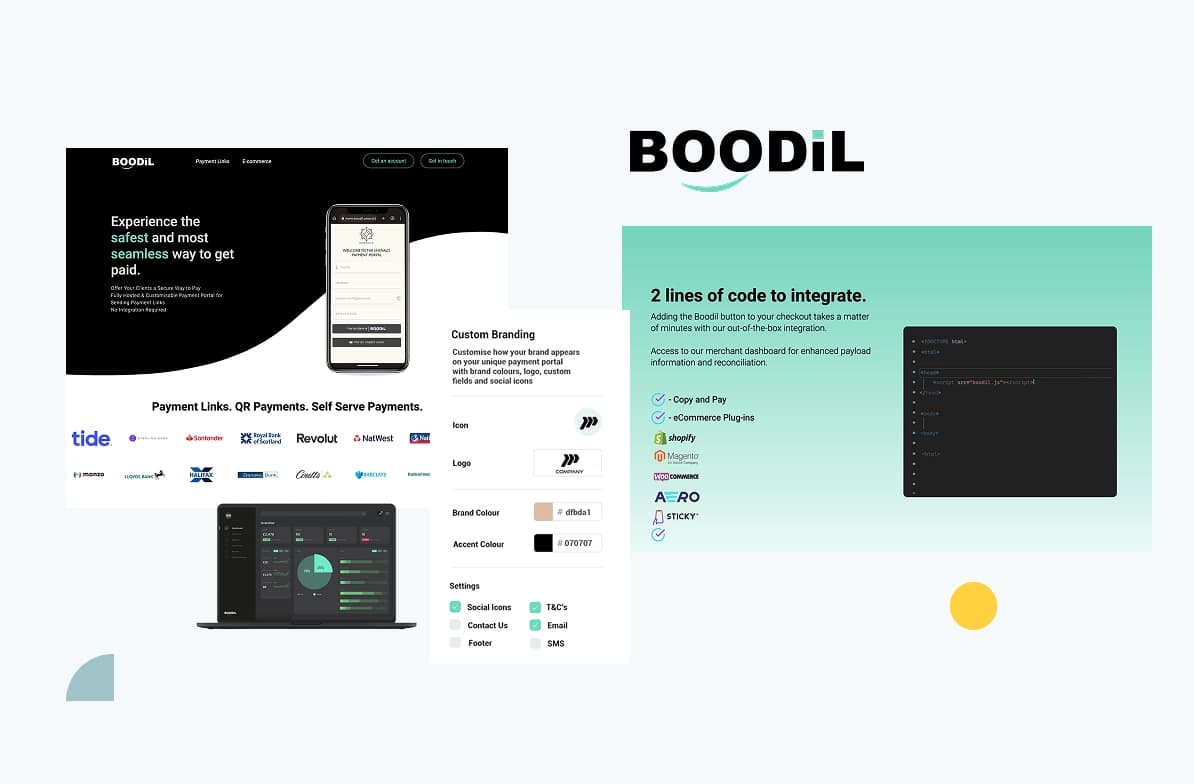
We built a secure Shopify payment app for Boodil that transformed them from a standalone payment processor into an approved Shopify partner, unlocking access to 3.5+ million stores across multiple markets.
3.5M+
stores unlocked
Multi-market
expansion
Shopify
payment integration
Do you need Shopify Plus for headless Shopify?
No. Headless does not require Plus. The Storefront API, Hydrogen, and Oxygen reach across plans.
Plus pairs with headless when you also need B2B, API headroom, expansion stores, or enterprise checkout.
Shopify hosting platform, Oxygen, is included at no extra cost on all paid plans, allowing you to deploy Hydrogen storefronts directly. But Shopify partitions the hosting limits sharply by plan.
Standard plans, including Advanced, are limited to exactly 1 active public published storefront environment on Oxygen. This prevents you from running a multi-storefront headless deployment from a single backend.
Standard plans also cap the worker file size at 5 MB, which a growing custom React codebase can hit.
Shopify Plus expands these limits. On Plus, you can deploy up to 25 active public storefront environments on Oxygen. This allows international brands to serve region-specific, localized headless experiences from one unified admin.
The worker file size limit also doubles to 10 MB, giving the development team the room to build edge-computed customer experiences.

Planning a more flexible Shopify architecture?
We’ll help you decide whether a theme, Shopify Plus, Hydrogen, or a custom headless storefront gives your team the right balance of control, performance, and maintainability.
Headless Shopify is worth it when these conditions are true
Storefront performance is a measured revenue lever, tracked in Core Web Vitals.
Your brand needs a frontend experience themes cannot deliver.
Content lives in a separate CMS you want to compose with commerce.
You have the engineering capacity to own a custom frontend long term.
Nanobébé
Baby products e-commerce
Naturaily delivered a flexible headless commerce setup that made content management easier, supported product launches, and improved the online shopping experience.
5/5
Clutch review
117%
increased performance
80%
reduced TBT
Shopify Plus ROI: when does the upgrade pay for itself?
Plus pays off when the monthly value it adds clears the cost gap. Run seven inputs before you commit:
Monthly GMV, and the third-party transaction-fee delta it implies between plans.
App subscriptions Plus lets you retire (checkout, B2B, automation tools).
Operational hours saved through Flow automation and unlimited staff seats.
Transaction-fee differences at your real payment mix and volume.
Cost of development or migration, amortized over the contract term.
B2B or international complexity you are currently solving with workarounds.
Revenue from checkout improvements the modern stack makes possible.
If Plus costs roughly $1,900 more per month than Advanced, it breaks even once the retired apps, the lower gateway fees, the saved engineering hours, and the recovered checkout revenue add up to more than that figure. Many brands cross the line on transaction fees and app consolidation alone, before counting B2B or checkout gains.
If you cannot name two or three of those seven inputs with real numbers, you are not ready to upgrade yet. Build the case before you commit.
Should you choose Shopify Advanced or Shopify Plus?
Shopify Advanced is the better choice when your store needs stronger native Shopify features without enterprise overhead.
Shopify Plus is the better choice when your operating model needs more control: advanced B2B, custom checkout logic, higher API limits, expansion stores, ERP/PIM integrations, POS scale, or headless Shopify.
Do not upgrade because the brand feels bigger. Upgrade when the current setup creates measurable friction.
Naturaily helps scaling ecommerce teams evaluate Shopify architecture, plan migrations, and build Shopify Plus or headless Shopify setups without unnecessary complexity. If you are not sure whether Shopify Plus is worth it yet, contact Naturaily to review the decision before you commit.
FAQ
Shopify Plus vs Shopify Advanced
The main difference is operational scaling and customizability. Shopify Advanced limits your storefront count, restricts staff accounts to 15, and locks your checkout page. Shopify Plus grants unlimited staff accounts, 9 free expansion stores, full checkout personalization via Checkout Extensibility, and 10x higher API rate limits.
You should upgrade from Shopify Advanced to Shopify Plus when Advanced starts creating measurable operational constraints.
The trigger should not be revenue alone. A simple high-revenue DTC store may still run well on Advanced, while a smaller B2B or international business may need Plus earlier because of pricing rules, checkout logic, API limits, or integration complexity.
Upgrade when you need deeper B2B catalogs, direct company-level pricing, deposits, partial payments, custom checkout logic, expansion stores, higher API headroom, or more advanced automation across ERP, PIM, CRM, OMS, or fulfillment systems.
Shopify Advanced costs $399/month on monthly billing or $299/month on annual billing in the US, while Shopify Plus starts at $2,300/month on a 3-year term or $2,500/month on a 1-year term for standard setups.
That price comparison is only the starting point. The real cost difference depends on payment processing, third-party transaction fees, app stack, custom development, integrations, maintenance, and the operational work each plan removes.
For Shopify Plus, treat public pricing as a planning baseline, not a final quote. Contract terms, region, payment setup, B2B usage, and business model can change the actual commercial arrangement.
Yes, Shopify Plus includes the deepest Shopify B2B feature set, but B2B is no longer exclusive to Shopify Plus.
Shopify now offers B2B capabilities across plans, including company profiles, company locations, quantity rules, quantity price breaks, net payment terms, payment reminders, PO numbers, draft order to invoice, quick order lists, and Shopify Flow automations using B2B objects.
The difference is depth. Shopify Advanced supports up to 3 active B2B catalogs assigned through B2B markets. Shopify Plus adds unlimited B2B catalogs, direct catalog assignment to companies and company locations, deposit requirements, partial payments, and payment requests per fulfillment.
Yes, Shopify Advanced can support simpler B2B ecommerce workflows.
It can work when your wholesale model is controlled: a limited number of catalogs, standard net terms, relatively simple pricing rules, and no need for direct company-level catalog assignment.
Shopify Plus becomes the better fit when B2B becomes a serious revenue channel. If buyers need unique price lists, many catalogs, location-specific pricing, deposits, partial payments, or deeper ERP-connected workflows, Plus is usually the cleaner architecture.
You need Shopify Plus for deeper checkout customization, but not every checkout improvement requires Plus.
Shopify Advanced can support a strong standard checkout with branding, standard payment and shipping flows, basic app-based improvements, and limited post-purchase customization.
Shopify Plus is the better fit when checkout logic becomes business-critical. That includes custom discount rules, payment method visibility, delivery method logic, validation rules, B2B checkout workflows, custom fields, localized checkout experiences, and advanced post-purchase flows.
Checkout Extensibility, Checkout UI Extensions, Shopify Functions, custom apps, web pixels, and Thank you / Order status page extensions replaced the older checkout customization model.
checkout.liquid is no longer the right foundation for new checkout work, and Shopify Scripts are being sunset on June 30, 2026. After that date, existing scripts will stop functioning.
For new checkout logic, teams should plan around Shopify Functions and supported checkout extensions instead of legacy Script Editor or direct checkout template edits.
Yes, Shopify Advanced can support headless commerce in simpler scenarios.
That can work when you need one custom storefront, moderate API usage, a manageable catalog, limited backend complexity, and no advanced checkout or B2B logic.
Shopify Plus becomes the stronger fit when headless commerce is part of a larger architecture: Hydrogen, Oxygen, multiple storefronts, high API usage, international markets, ERP or PIM integrations, B2B workflows, and custom checkout requirements.
Shopify Plus is better for complex international ecommerce, but Shopify Advanced can still support many cross-border selling needs.
Shopify Advanced includes international commerce tools that work well for growing brands selling across regions with a relatively simple setup.
Shopify Plus becomes more valuable when international growth requires multiple localized storefronts, regional teams, different catalogs, deeper market control, more complex integrations, or expansion stores under one organization.
Yes, you can start on Shopify Advanced and upgrade to Shopify Plus later.
That is often the most disciplined path if your current store does not yet need Plus-level control.
The important part is to avoid migration debt. Keep your theme, app stack, analytics, product data, B2B setup, integrations, and checkout logic clean enough that upgrading later does not become a full rebuild.
Shopify Plus is worth it if the upgrade removes constraints that already cost more than the Plus premium.
The clearest ROI signals are app consolidation, lower transaction-fee exposure, fewer manual operations, stronger B2B self-service, better checkout control, higher API limits, expansion stores, and reduced integration risk.
If you cannot identify the specific constraints Shopify Plus would remove, Shopify Advanced is probably the safer choice for now.
Shopify Plus and headless Shopify solve different problems, so this should not be treated as an either/or decision.
Shopify Plus is a commerce plan. It gives you more operational control over checkout, B2B, automation, APIs, support, and multi-store architecture.
A custom or headless storefront is an architecture choice. It gives you more frontend control, stronger UX flexibility, and more freedom around performance, content modeling, and brand experience. Many scaling brands eventually use both, but headless only makes sense when the business case justifies the added technical ownership.
Choose the right Shopify setup
Clarify whether your store needs Advanced, Plus, or a more custom Shopify architecture.