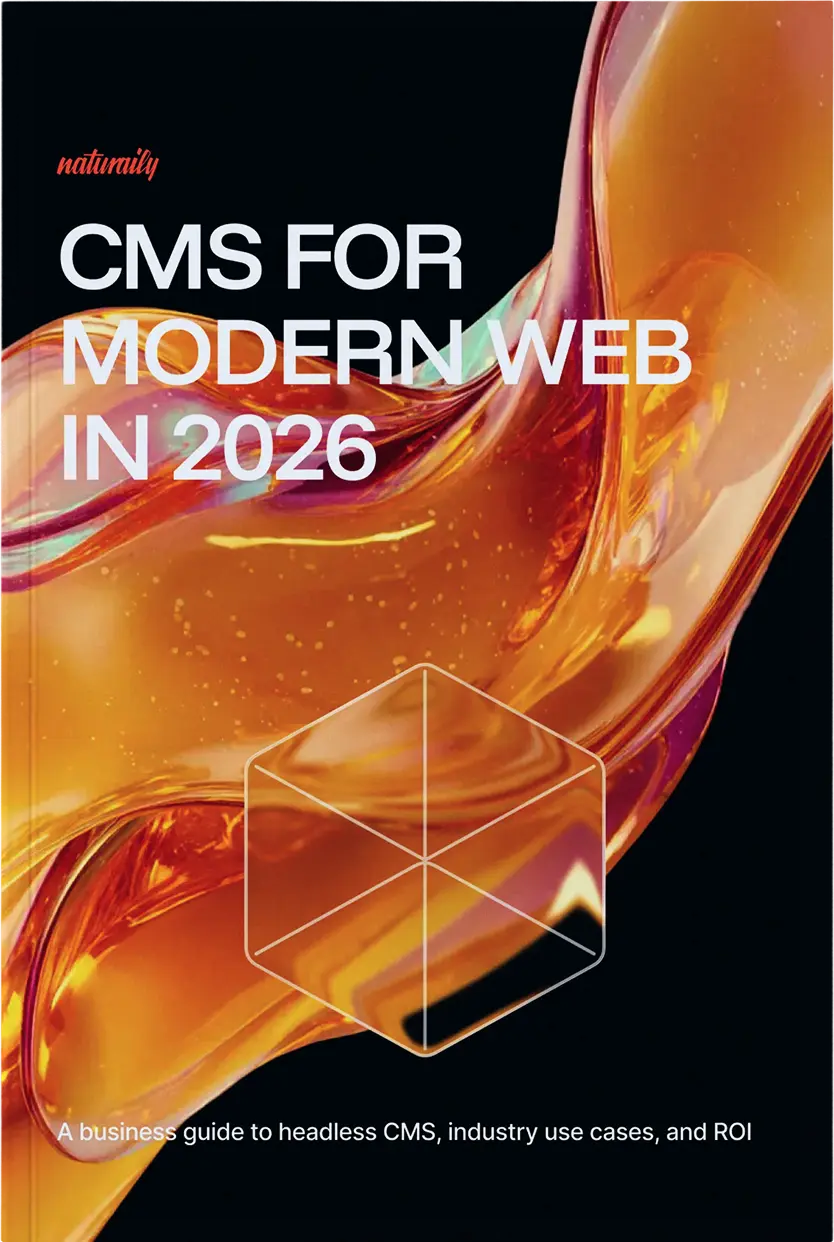
Modern CMS 2026: Trends, Selection & ROI
A practical, vendor-agnostic guide to choosing and migrating to a modern CMS. Learn how to speed up teams, improve site performance, and simplify governance. Designed to align marketing, engineering, and security.

"They guided us through every step of our platform migration with exceptional care and expertise."

"They demonstrated a strong ability to push for answers that allowed us to fine-tune the CMS to meet our specific needs."

"A team of high-caliber talent & modern tech expert knowledge. With their help, any website project is much easier, better, and faster."


Figures from 18-24 months of discovery calls and workshops across industries.
Key findings you can act on

Editor autonomy drives growth
When marketing can build pages visually (within approved components), you go from “weeks to launch” to “days.” That means more campaigns, more tests, and more revenue opportunities.
Performance boosts SEO & conversion
A faster site improves Core Web Vitals, which typically helps organic visibility and conversion rates. It also makes paid traffic work harder because fewer users drop off while pages load.
Built-in governance removes launch risk
Single sign-on, clear roles/permissions, approvals, and change history make releases predictable, and audits routine instead of stressful.
Reusable content scales channels
Structured, reusable content (plus translation memory) lets you publish to websites, apps, and partner channels from one source, without copy-pasting everywhere.
What's inside the CMS report

Industry Pain Clusters
Spot challenges and warning signs.
Industry Pain Clusters
Spot challenges and warning signs.

Decision & Scoring Filter
Shortlist vendors with data-backed tools.
Decision & Scoring Filter
Shortlist vendors with data-backed tools.

90-Day Action Plan
From evaluation to final selection.
90-Day Action Plan
From evaluation to final selection.

2026 Trends Decoded
Key technology shifts for this year.
2026 Trends Decoded
Key technology shifts for this year.

Strategic Playbooks
Proven strategies for industry success.
Strategic Playbooks
Proven strategies for industry success.

ROI & TCO Models
Calculate project value and payback.
ROI & TCO Models
Calculate project value and payback.
Industry Pain Clusters
Spot challenges and warning signs.
Industry Pain Clusters
Spot challenges and warning signs.
Decision & Scoring Filter
Shortlist vendors with data-backed tools.
Decision & Scoring Filter
Shortlist vendors with data-backed tools.
90-Day Action Plan
From evaluation to final selection.
90-Day Action Plan
From evaluation to final selection.
2026 Trends Decoded
Key technology shifts for this year.
2026 Trends Decoded
Key technology shifts for this year.
Strategic Playbooks
Proven strategies for industry success.
Strategic Playbooks
Proven strategies for industry success.
ROI & TCO Models
Calculate project value and payback.
ROI & TCO Models
Calculate project value and payback.
Outcomes seen in recent projects
Who this CMS report is for
Founders, CMOs, Heads of Digital, and product/engineering leads who need a CMS decision they can defend - internally and financially.
You’ll get the most value if you’re:
- Planning a rebuild or replatform in the next 6-18 months
- Modernizing from legacy WordPress/PHP setups, multi-site sprawl, or security/compliance pressure
- Trying to remove the friction between marketing and engineering
- Want to build a business case (not just a “we need a new CMS” argument)


“High skills and responsibility make them a reliable, trustworthy, and professional technological partner. They grasp even the most nuanced details of our requirements and are effective in managing project needs.”

“Their approach to user-centric design and practical e-commerce solutions impressed us. They remained focused and on task during the project, maintaining excellent communication with our team throughout.”

“The team constantly demonstrated their willingness to help and do more. It’s a huge asset. What’s more, they’re able to easily adjust their workstyles so it comes with an added value.”

“Whenever we encountered a challenge, we knew that their creativity and knowledge would allow us to move forward with ease. They were highly determined and successful at adding value.”

“Naturaily showed their experience in handling very different expectations. I was particularly impressed by their agility in adapting to changes, no matter what project we’ve been working on.”
What you’ll learn
Inside the report, you’ll learn how to:
- Build a modern CMS setup that gives editors speed without losing control (governed components + workflows + preview).
- Use performance as a growth lever (Core Web Vitals → SEO → conversion → revenue).
- Stop copying the same content into five places by modeling content for reuse across channels (including apps, portals, chatbots, and internal tools).
- Treat search and discovery like a product (tunable search, analytics, rules, promoted results).
- Build a CFO-grade business case using an ROI/TCO model that includes the hidden costs people forget (upgrade projects, niche staffing, patching, opportunity cost).
- Run a structured selection process in 90 days (shortlist → demo script → pilot → decision).
Download the report
If you’re planning a CMS upgrade, this report is meant to be used as a practical field guide.
- Confirm constraints: hosting, regions, editor count, budget
- Pick top 3 KPIs for 90 days: TTLP, LCP/INP, experiment velocity
- Shortlist 2 CMS options; run the same 30‑min demo script
- Plan phased migration with SEO safety net and KPIs
- Confirm constraints: hosting, regions, editor count, budget
- Pick top 3 KPIs for 90 days: TTLP, LCP/INP, experiment velocity
- Shortlist 2 CMS options; run the same 30‑min demo script
- Plan phased migration with SEO safety net and KPIs